Steven McLintockScottish software developer living in Stratford, Ontario
25+ Visual Studio Code Extensions That Are Worth Installing
By Steven McLintock on
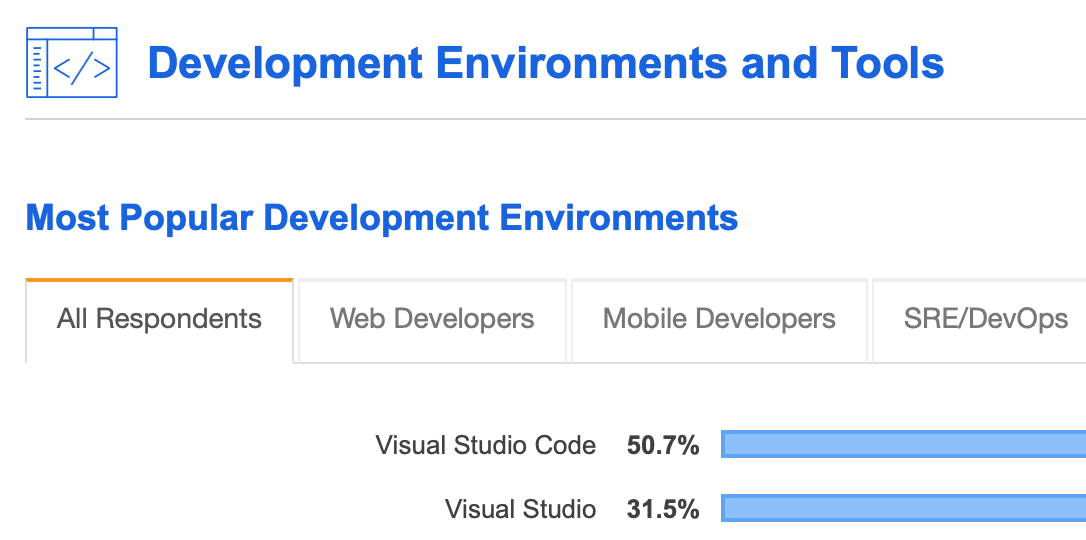
Visual Studio Code is a code editor that has me falling head over heels for full stack development all over again. Visual Studio’s younger sibling, Visual Studio Code is built using the Electron framework, is open source and was recently announced as the default development environment at Facebook. It’s no surprise that it’s now the most popular development environment according to the Stack Overflow Developer Survey 2019. Controversially, it’s predicted to be on track to replace Visual Studio one day.
I was hesitant to install Visual Studio Code in the beginning. If it’s built on Electron, it’s essentially a web app, right? HTML, CSS and JavaScript under the hood. How could that be worth using over the heavyweight that is Visual Studio? Where as Visual Studio is known as the ‘heavyweight’ for Microsoft centric development, Visual Studio Code couldn’t be more different. Visual Studio Code adopts the slimline approach of .NET Core; only including the essentials and enabling the user to tailor their experience to specific requirements.
Extensions for Visual Studio Code
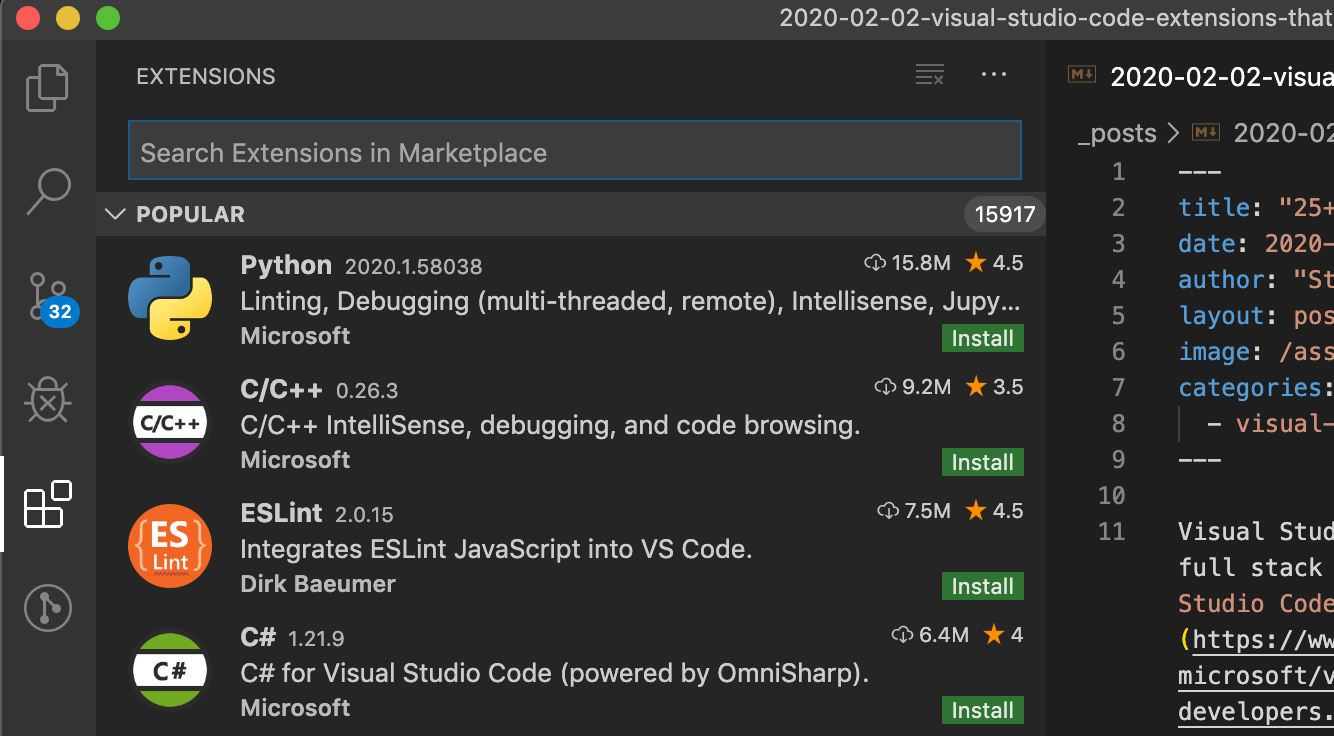
With the help of the developer community as well as the Visual Studio Marketplace, a user can install extensions to enhance the features available in Visual Studio Code. In addition to features, extensions can also be useful for enabling Visual Studio Code to support programming languages such as TypeScript, Python, Java, Ruby, Go, PHP, Objective-C and many more.
As much as I was hesitant to use Visual Studio Code, I was reluctant to install too many extensions. Why? I was happy to use one or two to get the job done and didn’t want to bloat my code editor with extensions I never used. What changed my mind? I was investigating a defect in TypeScript and after a few hours I was tearing my hair out! I asked a kind developer on my team to pull the feature-branch to their development environment and within 2 minutes they had identified the issue. I was amazed! One of their installed extensions (TSLint) had highlighted the issue and suggested a quick fix.
As I began exploring more extensions, I thought I’d share those I came across that are worth installing and may save you those crucial few hours in your development time.
Visualize code authorship at a glance via Git blame annotations and code lens, seamlessly navigate and explore Git repositories, gain valuable insights via powerful comparison commands, and so much more
Have you ever wondered if you could use the .NET CLI and Visual Studio Code to build a new .NET application, instead of relying on Visual Studio to do all of the heavy lifting?